Betograpy

Skip to content
BETOGRAPY Walnut Creek · SF Bay Area · AI Marketing

FREE GUIDE · 10 STEPS · $0

How to get your website on Google
(and Bing, Apple Maps and AI).

The free steps I follow for every new small business website, in order. Each step says what it is, why it matters, where to go and exactly what to click.

Written by Beto, founder of Betograpy · Walnut Creek, California · Updated November 2026

130 minutesFree

Set up your page title, description and headings

What it is: the title is the blue line people click on Google; the description is the two lines under it. The H1 is the big headline on your page, and H2s are the section headings.

Why it matters: Google reads these first to decide what your page is about, and people read them to decide whether to click.

What to do on every page
  1. Title: your main service + city, about 50 to 60 characters.
  2. Description: what you do, where, and why click, about 150 characters.
  3. One H1 that matches the title, then an H2 for each topic.
  4. Image alt text that says what is in the photo ("bakery counter in Walnut Creek").
Where to change it

In your website builder's page settings, usually called SEO or Search appearance. Then check it free with our SEO checker.

www.betograpy.comBay Area Digital Marketing Agency for Small BusinessBay Area digital marketing agency for small business, done for you: SEO, Google profile posts, blog and social media for $300 a month, website included.Title: 52 charactersDescription: 151
A real example: how our home page title and description look on Google
215 minutesFree · Google

Add your website to Google Search Console

What it is: Google's free report on your website: the searches that show you, how many people click, your average position, and any pages Google cannot read.

Why it matters: this is how you tell Google "my website exists", and it is the only place Google shows the real searches your customers type.

Where to go Open Google Search Console ↗ What to click
  1. Click Start now and sign in with your Google account.
  2. Choose Domain, type your domain (example.com) and click Continue.
  3. Copy the TXT record, paste it in your domain company's DNS settings, then click Verify.
  4. In the left menu click Sitemaps, type sitemap.xml and click Submit.
  5. Every week open Performance and sort by Impressions: searches with many impressions but few clicks are your next fixes.
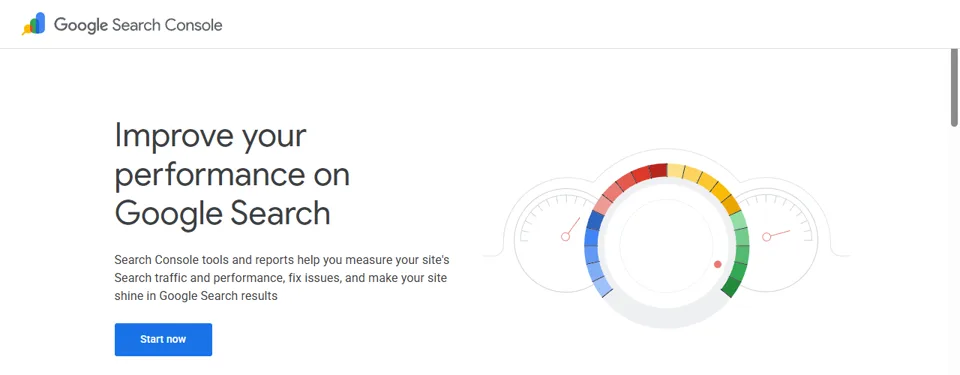
Google Search Console start page
Google Search Console: free from Google
320 minutesFree · Google

Add Google Analytics 4 to your website

What it is: counts your visitors and what they do: which pages they read, and whether they call, send a form or book.

Why it matters: Search Console shows how people find you; Analytics shows whether those visits turn into customers.

Where to go Open Google Analytics ↗ What to click
  1. Click Start measuring, name the account and the Property, pick your time zone.
  2. Choose Web, enter your website address and click Create stream.
  3. Copy the Measurement ID (starts with G-) into your website builder's Google Analytics box.
  4. Go to Admin › Events and turn on Mark as key event for calls, forms and bookings.
  5. Go to Admin › Search Console links › Link to connect step 2.
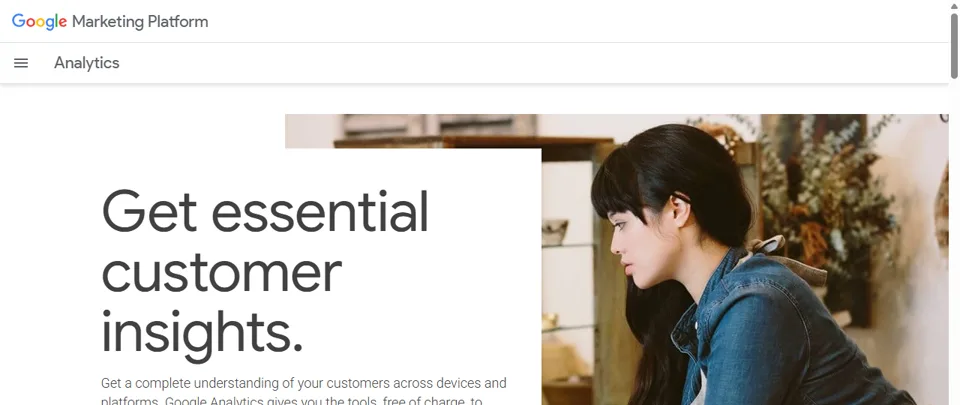
Google Analytics start page
Google Analytics: free from Google
41 hourFree · Google Maps

Get your business on Google Maps (Google Business Profile)

What it is: your free listing on Google Maps and the business box on the right of Google Search: hours, phone, photos and reviews.

Why it matters: for a local business, this is often the first thing customers see, before your website.

Where to go Open Google Business Profile ↗ What to click
  1. Click Create your profile, type your business name and pick your main category.
  2. Add your address (or your service area if you visit customers), phone and website.
  3. Choose how to Verify (video, phone or postcard; Google decides which are offered) and finish it.
  4. Fill every field, add real photos, and post an update every week.
  5. Click Ask for reviews, copy the link, and make a QR code with our free review tool.
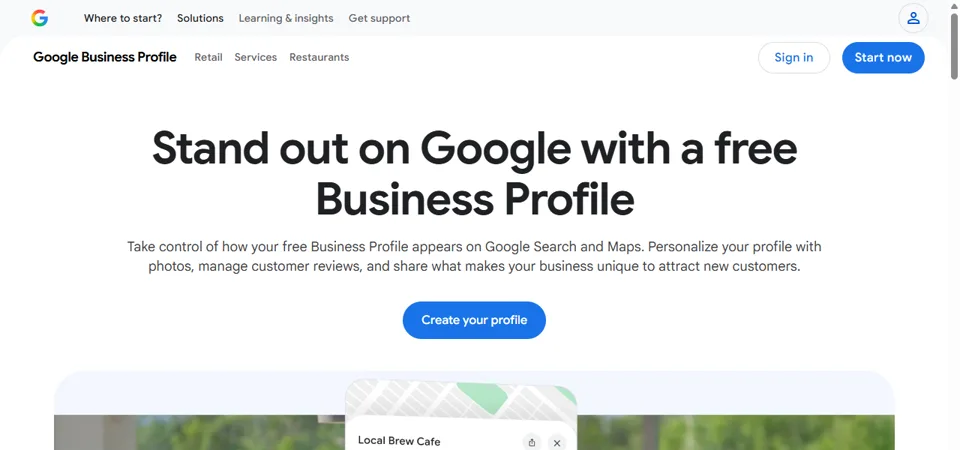
Google Business Profile start page
Google Business Profile: free listing on Google Maps and Search
510 minutesFree · Microsoft

Add your website to Bing (for Copilot and ChatGPT search)

What it is: Bing Webmaster Tools is Bing's version of Search Console; Bing Places is Bing's version of Google Maps.

Why it matters now: Bing powers Microsoft Copilot and is one of the search sources behind ChatGPT search. When someone asks an AI assistant "best bakery near me", a business Bing knows well has a better chance to be in the answer.

Where to go Open Bing Webmaster Tools ↗ What to click
  1. Sign in and choose Import from Google Search Console: your site and sitemap come over in one click.
  2. Open Bing Places and click Get started.
  3. Choose to import from your Google Business Profile, or add your business by hand.
  4. Check that the name, address and phone match Google exactly, then verify.
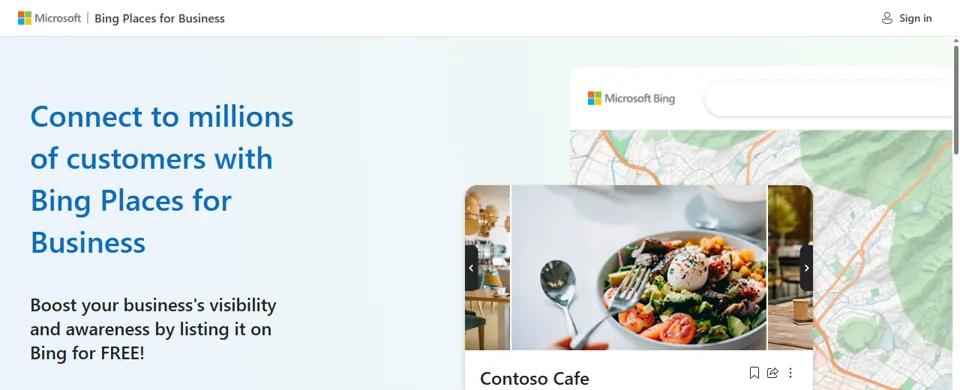
Bing Places for Business start page
Bing Places for Business: free
615 minutesFree · Apple

Get your business on Apple Maps (Apple Business)

What it is: Apple Business (formerly Apple Business Connect) puts your place on Apple Maps, which iPhone users and Siri use.

Why it matters: many local customers search on an iPhone. If you are not on Apple Maps, you are invisible there.

Where to go Open Apple Business ↗ What to click
  1. Click Get started and sign in with an Apple Account.
  2. Search for your business; claim it or add a new location.
  3. Verify it (Apple may call your business phone or ask for documents).
  4. Add photos, hours and your website, the same as on Google.
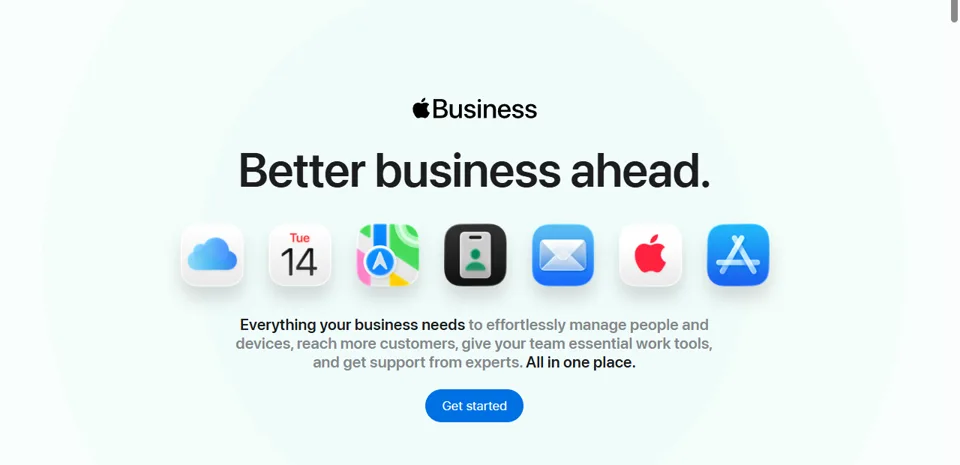
Apple Business start page
Apple Business: free, for Apple Maps and Siri
75 minutesFree · Google

Test how fast your website loads on a phone

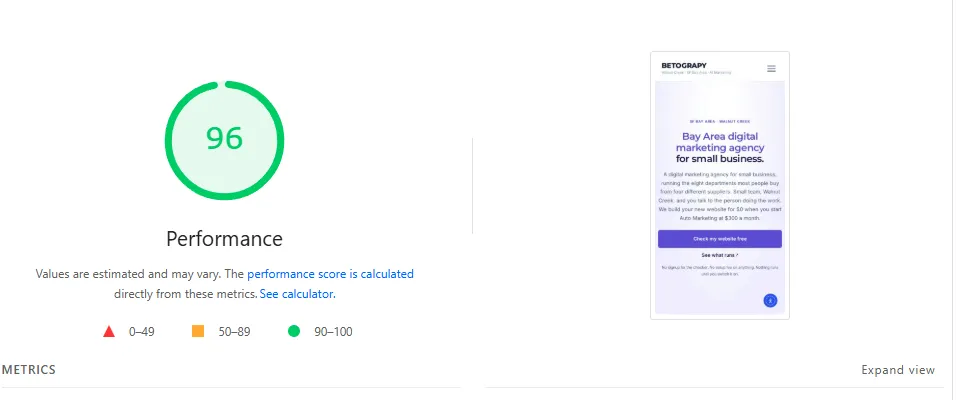
What it is: PageSpeed Insights loads your page like a phone does and gives a score from 0 to 100, with the fixes listed.

Why it matters: slow pages lose customers, and Google prefers pages that load fast on phones.

Where to go Open PageSpeed Insights ↗ What to click
  1. Paste your page address and click Analyze.
  2. Stay on the Mobile tab and look at the Performance score.
  3. Scroll to the suggestions and fix the first ones (usually big photos: resize them and save as WebP).
PageSpeed Insights result: 96 performance for betograpy.com on mobile
Real test: betograpy.com on mobile scored 96 (November 9, 2026)
85 minutesFree · Google

Help Google understand your business (structured data)

What it is: structured data, also called schema, is hidden text on your page that tells Google facts in a form it reads easily: your business name, address, phone, hours, prices and FAQs.

Why it matters: it helps Google (and AI assistants) understand exactly who you are and can show extras in results, like breadcrumbs and FAQs.

Where to go Open the Rich Results Test ↗ What to click
  1. Paste your page address and click Test URL.
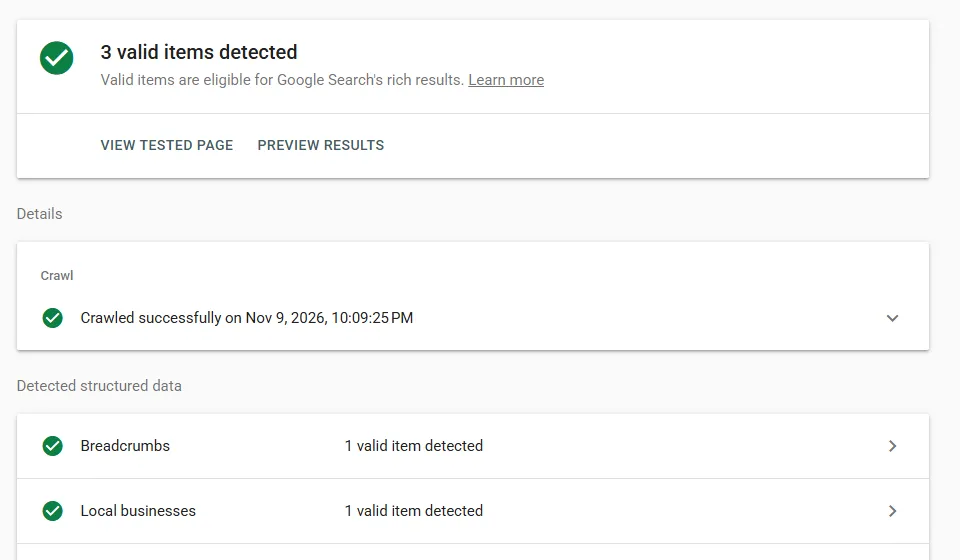
  2. Wait about a minute. Green valid items detected means Google can read it.
  3. Click any item to see its details; fix anything marked in red or orange.
  4. No items found? Ask your website builder or developer to add LocalBusiness schema.
Rich Results Test: 3 valid items detected on betograpy.com/seo, including Local businesses
Real test: betograpy.com/seo, 3 valid items including Local business
930 minutesFree accounts

Find the words your customers search

What it is: free keyword and website-health tools from Semrush and Ahrefs, two of the biggest SEO companies.

Why it matters: pages written in your customers' own words ("emergency plumber walnut creek") are the pages that rank.

Where to go Open the Semrush free keyword tool ↗ What to click
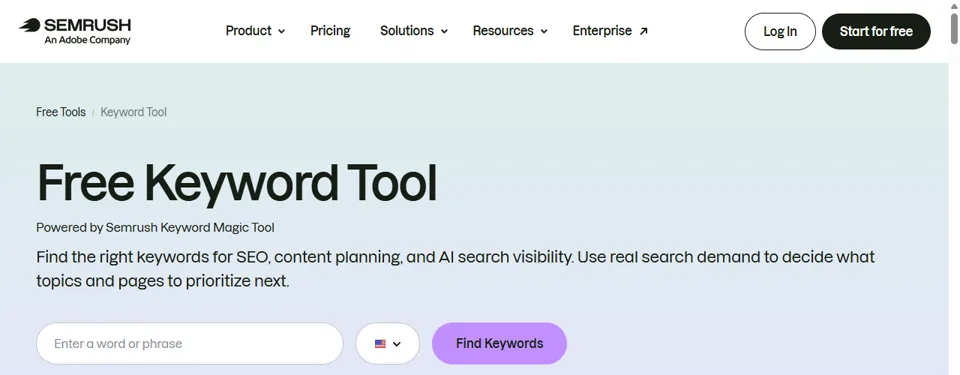
  1. In Semrush, type your service + city and click Find Keywords (the free version has daily limits).
  2. Write down the questions people ask: each good one can become a page or a post.
  3. Sign up free at Ahrefs Webmaster Tools and connect your site with Import from Google Search Console.
  4. Run Site Audit and fix the errors it marks as important.
Semrush free keyword tool
10Every weekFree

Keep growing with reviews, posts and new pages

What it is: the weekly habits that move a website from "listed" to "found first".

Why it matters: Google ranks local businesses that look active and trusted: fresh reviews, regular posts and pages that answer real searches.

Every week
  1. Ask every customer for a review: a QR code at checkout and a text after the job.
  2. Post one update on your Google Business Profile.
  3. Once a month, check Search Console for new searches and add a page or post for the real ones.
  4. Get mentioned by real local sites: chamber of commerce, partners, local news.
Free tool for this step Make my review QR code
Our free tool: review link → QR code, messages and printable cards

Which search engine does each AI assistant use?

Being listed in the right places helps AI assistants find and mention your business. This is what each company says publicly.

AI assistantWhere it looksSo set up
Google AI Overviews and GeminiGoogle SearchSteps 2 and 4: Search Console + Google Business Profile
Microsoft CopilotBingStep 5: Bing Webmaster Tools + Bing Places
ChatGPT searchSearch partners including Bing, plus its own crawlerStep 5, plus a fast, easy-to-read site (steps 1, 7, 8)
Siri and Apple MapsApple Maps dataStep 6: Apple Business

AI products change often; this reflects public information as of November 2026.

Questions owners ask

How do I get my website on Google for free?

Add your website to Google Search Console, verify it, and submit your sitemap (step 2). Google usually starts showing new pages within days to a few weeks. Set up your titles and descriptions first (step 1).

How do I add my website to Bing?

Sign in to Bing Webmaster Tools and choose Import from Google Search Console. Your site and sitemap come over in one step. Then list your business on Bing Places (step 5).

Why does Bing matter for AI assistants?

Bing powers Microsoft Copilot and is one of the search sources behind ChatGPT search. A business that Bing knows well has a better chance to show up in those answers.

How long until my new website shows up on Google?

Often days to a few weeks for the first pages once the sitemap is submitted. Page 1 for competitive searches usually takes months of steady work.

Can you set all of this up for me?

Yes. Every Betograpy client gets these steps done and checked, then Auto Marketing keeps them active every week. Book a consultation or text Beto.