Outage PR: Crisis Marketing for Local Businesses
Learn how to handle system outages, update your Google profile in real time, and protect customer trust when technical failures strike your East Bay firm.

Your growth engine runs while you run your business
SEO, Google Business, blog content, and email, one dashboard, Bay Area founders only.
What Major Corporate Outages Teach Local East Bay Businesses
In February 2026, widespread network failures and internal software outages disrupted operations for major service providers, including Allstate. Customers across the nation logged into their accounts only to find blank screens, broken customer support portals, and unanswered phone lines. When system outages strike massive corporations, national news outlets cover the story instantly. But when an unexpected technical glitch hits a local business in Walnut Creek or Berkeley, public news will not cover for you. The silence from your office can break customer trust far faster than the technical failure itself.
Operational disruptions happen to every company eventually. A point of sale system crashes on North Main Street in Walnut Creek (94596), a primary booking engine fails for an East Bay home service team, or a server outage takes down online client portals. How your office handles those first 30 minutes dictates whether customers remain patient or start posting negative reviews online.
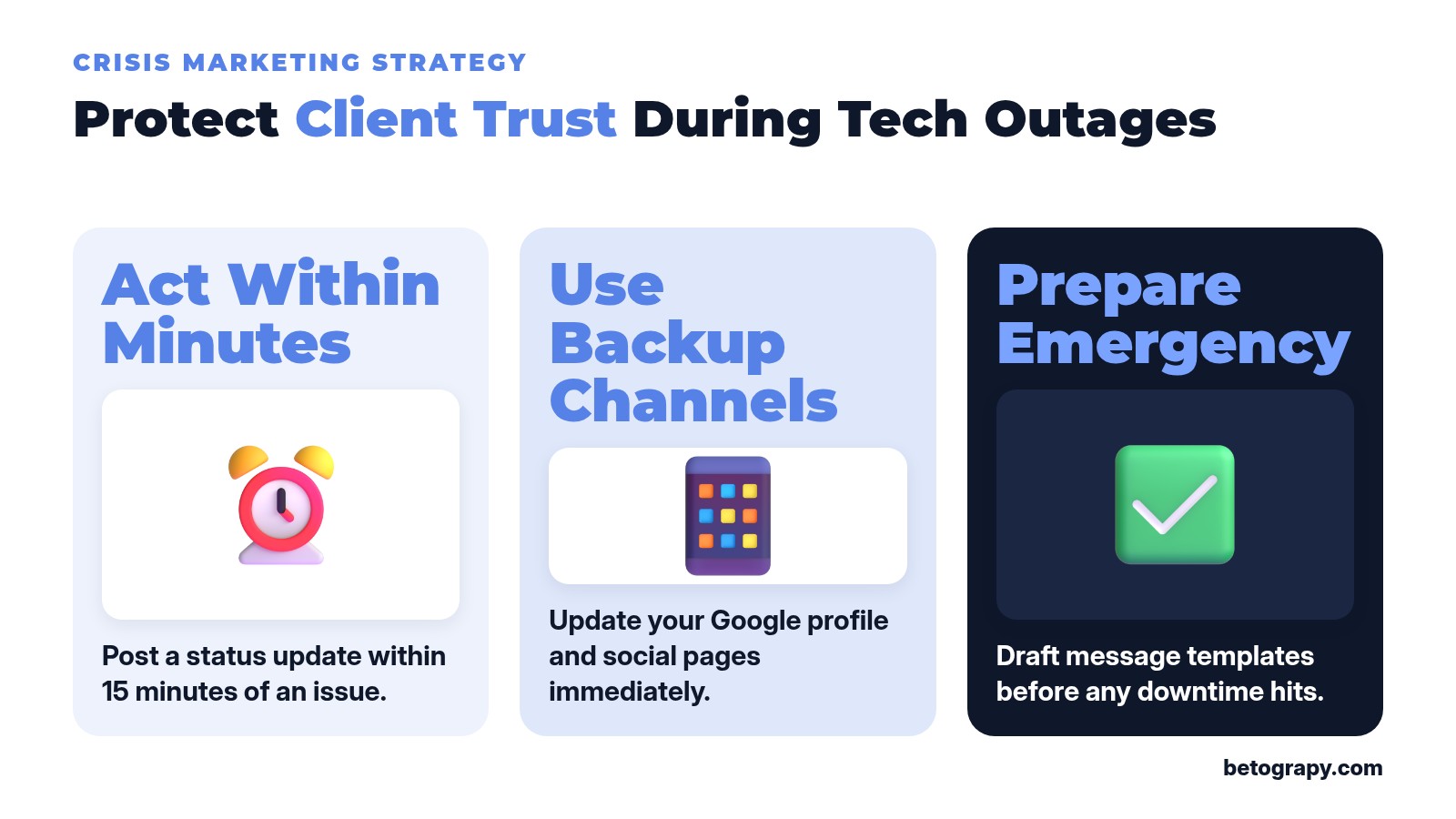
When a tech or service outage strikes your business unexpectedly, your primary communication strategy must prioritize immediate transparency over perfect answers. You do not need to have the entire problem solved before speaking up. Instead, post a clear update across your main customer channels within 15 minutes of confirming the issue. State what is down, confirm that your team is actively working on a solution, and provide a direct timeline for when you will deliver the next status update.
The 15-Minute Crisis Triage Plan
Most business owners wait until a system crashes before thinking about emergency communications. That delay leads to panicked, inconsistent messages sent from personal cell phones or rushed social media posts filled with technical jargon. I always urge business owners in the East Bay to build a simple crisis plan long before an outage occurs.
When an outage strikes, follow this minute-by-minute protocol to maintain control over your public channels:
Minutes 0 to 5: Identify the Scope
Confirm exactly what systems are failing. Is it your phone system, your primary email server, your payment gateway, or your physical facility? Do not guess. Check your core administrative dashboards and verify whether the issue is isolated to your office or part of a broader vendor outage.
Minutes 5 to 10: Select Your Secondary Channels
Determine how you will communicate while primary channels are down. If your main website server is offline, turn to your Google profile, external SMS broadcast list, or primary social media accounts. Never rely on a single channel to reach your clients during an operational block.
Minutes 10 to 15: Publish the Initial Status Notice
Deploy a short, factual update. State clearly: "We are currently experiencing a technical outage affecting our online booking system. Our team is actively resolving the issue. If you need immediate assistance, please call our temporary line at [Number] or email [Address]. Next update in 60 minutes."
This simple action cuts customer anxiety immediately. Customers forgive technical problems when you acknowledge them directly. They grow frustrated when left in the dark.

Managing Google Business Profile and Search Listings in Real Time
During an active service disruption, your Google Business Profile and local search channels become your emergency broadcast center. When customers cannot reach your main phone line, their immediate instinct is to check your local Google listing to see if your office is closed.
Updating Google Business Profile Settings Promptly
If your physical store or office must close unexpectedly due to power loss or internet failure, log into your profile manager immediately. Mark your business as temporarily closed or adjust your special hours for the day. If your physical doors remain open but your phone or scheduling software is down, publish an immediate Update post on your Google profile. Detail the temporary phone line or emergency email address clients should use until your primary systems recover. To understand how to manage your profile effectively during routine operations and sudden changes, inspect your Google Business Profile settings to ensure your administrative owner access is ready on mobile devices before an emergency happens.
Handling Social Media Channels Without Corporate Jargon
Avoid posting generic corporate apologies on social channels. State the plain facts clearly. Pin a temporary status notice to the top of your social profiles explaining the situation. Monitor incoming comments continuously during the disruption, and answer direct questions with straightforward status updates rather than canned generic responses.
Building Technical Redundancies Before Disruption Strikes
A proactive crisis strategy relies on establishing secondary communication lines that operate independently of your main website or central office phone system. If your primary web server goes offline, your customers still need a clear way to see that you are aware of the issue.
Setting up off-site status notifications or external email broadcasting systems ensures you can reach your client base even when internal systems are locked up. For example, hosting a lightweight status page on a completely separate cloud provider allows you to direct traffic away from a broken primary domain.
Before any operational breakdown happens, create pre-approved communication templates for common technical failures. Draft basic statements for server downtime, phone system outages, physical location closures, and payment gateway issues. Store these templates in a shared cloud folder accessible from mobile phones so your team can deploy them immediately without drafting copy under stress. Integrating these contingency workflows into your Berkeley digital marketing framework keeps your customer touchpoints secure when software tools fail.
Rebuilding Customer Trust and Equity After a Public Crisis
The true test of a brand comes after the servers reboot, the phone lines come back up, and regular business resumes. How a business follows up after an operational failure determines whether brand loyalty recovers or permanently declines.
Rebuilding customer trust after a public crisis requires a structured, transparent post-mortem communication strategy. Once systems are fully operational, send a direct, honest follow-up message to affected clients. Avoid corporate deflection or blaming third-party software vendors without taking ownership. Explain plainly what failed, what steps were taken to resolve the immediate issue, and what technical upgrades or redundancies are being installed to prevent the exact failure from happening again.
When I ran my own operations, unexpected software glitches taught me that customer friction isn't created by the technical problem itself, but by silence while it happens. Customers will forgive a technical breakdown if you communicate clearly throughout the process and show real steps taken to protect them in the future.
For local service businesses in Walnut Creek and across the 94596 area, follow up directly with any client whose appointment, project deadline, or delivery was impacted by the disruption. Offer a modest gesture of goodwill, such as a priority rescheduling slot or a direct credit toward future services. This straightforward accountability turns a frustrating technical outage into a clear demonstration of your commitment to customer service.
Actionable Emergency Communication Checklist for Local Owners
To ensure your business remains calm and clear during unexpected technical downtime, execute these four action items this week:
- Draft three baseline outage templates for email broadcasts, social media posts, and Google profile updates so you never write crisis messaging under high pressure.
- Verify mobile administrative access to your Google Business Profile, email marketing tools, and domain registrar for key management personnel.
- Establish an off-site secondary contact method, such as a cloud-based backup phone number or external status page, that operates independently of your main office network.
- Schedule a twice-yearly review of all customer-facing notification systems to test how fast an emergency status message can be published across your digital channels.
If you want to evaluate how clearly your business presents its public information today, run your website through our free SEO analyzer to confirm your core business contact details and online presence are fully optimized before any technical emergency occurs.

Frequently Asked Questions
Should I mark my business as temporarily closed on Google during a short phone outage?
No. Only mark your business as temporarily closed if your physical doors are locked and you cannot serve clients in person. If your physical location remains open but your phone lines or internet are down, keep your profile open and post an immediate Google Update post explaining the phone disruption and providing an alternate contact method.
How quickly should I communicate with customers during a service outage?
Publish your first notification within 15 minutes of confirming the outage. You do not need a complete fix in place. A simple acknowledgement stating that you are aware of the issue and actively working on a resolution prevents customer confusion and stops negative reviews from accumulating.
What should I do if customers leave negative reviews while our systems are down?
Do not argue or delete negative feedback. Respond publicly to the review once your systems are restored. Apologize for the inconvenience, explain briefly what happened, and invite the reviewer to contact leadership directly so you can make things right.
 Halfway there! The free check finds your own fixes in a minute.
Questions about this?
Text Beto at (510) 833-8838, or send your question here. You get the answer by email, usually the same day.